
EVERY FIELD WE FILL IS ONE YOU DON'T TYPE.
Three things, done well, from the first tap on a new job to the money in your account.
IT FILLS IN THE JOB
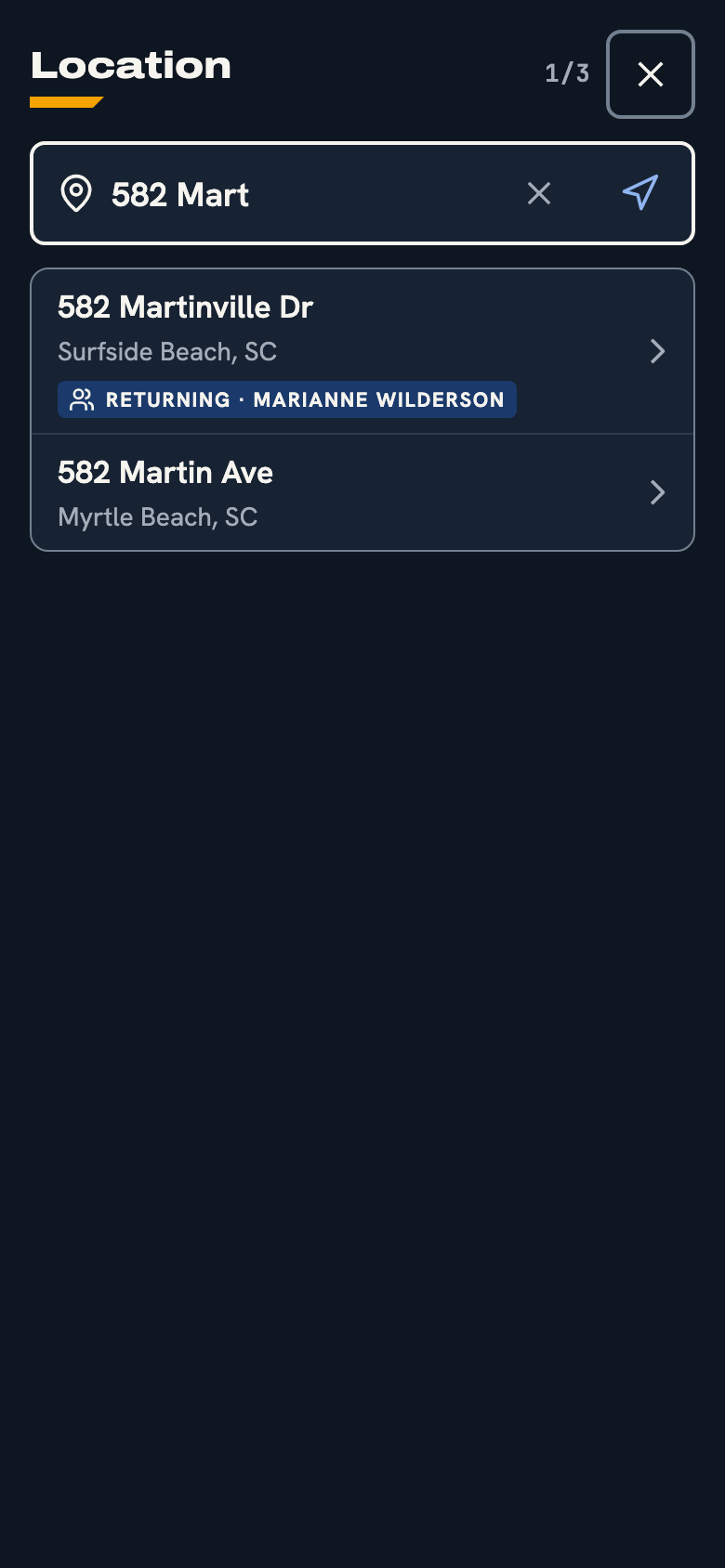
Start typing an address and pick it from the list, or use where you're standing. If you've worked there before, the customer comes with it.
- Address search that checks the address is real
- Returning customers recognized from the address
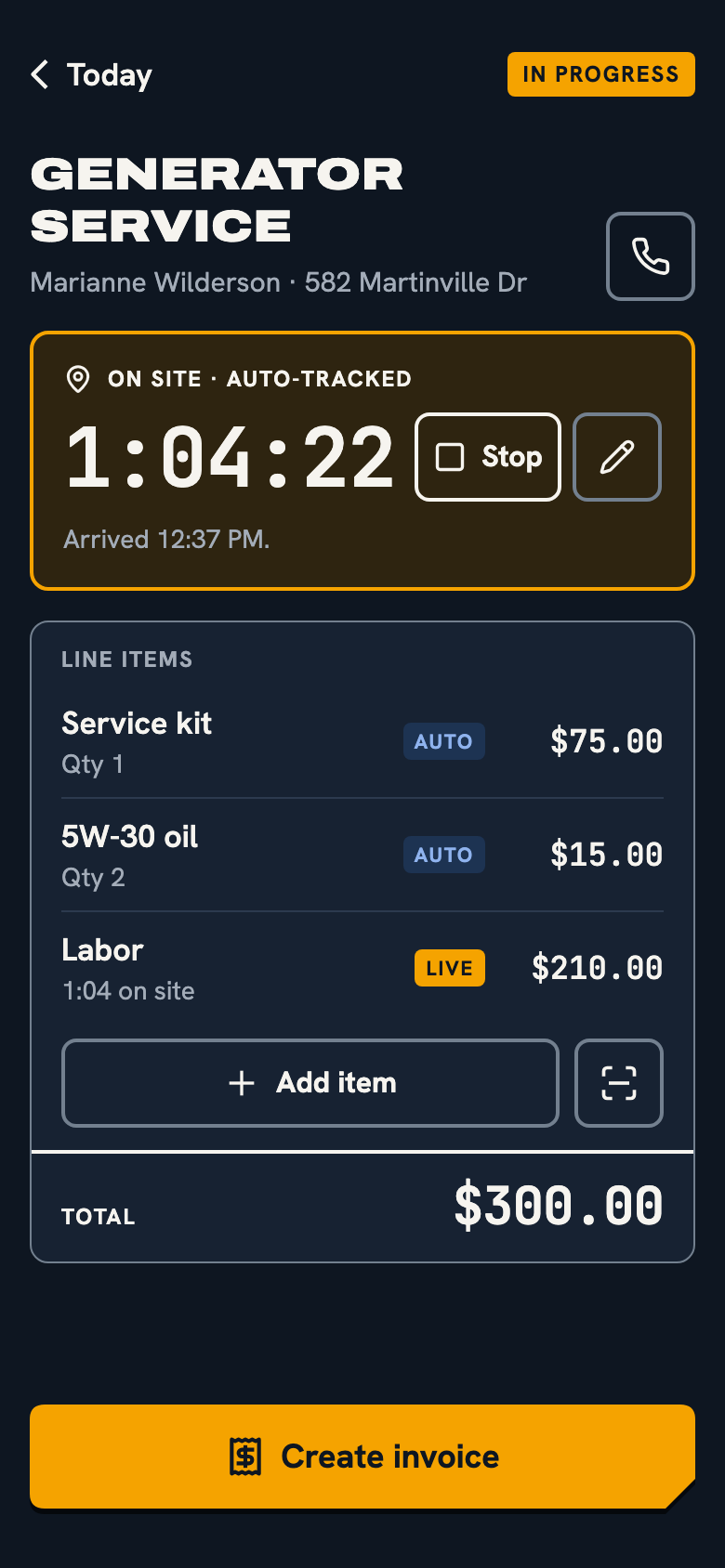
- Line items pulled from your own price book
IT KEEPS YOUR HOURS
The app already knows the job address. When you arrive, the timer starts. When you leave, it stops. Your labor line updates as you work.
- No clocking in or out
- Only watches job addresses, never your whole day
- Stop it or fix the time by hand whenever you need to
IT GETS YOU PAID ON SITE
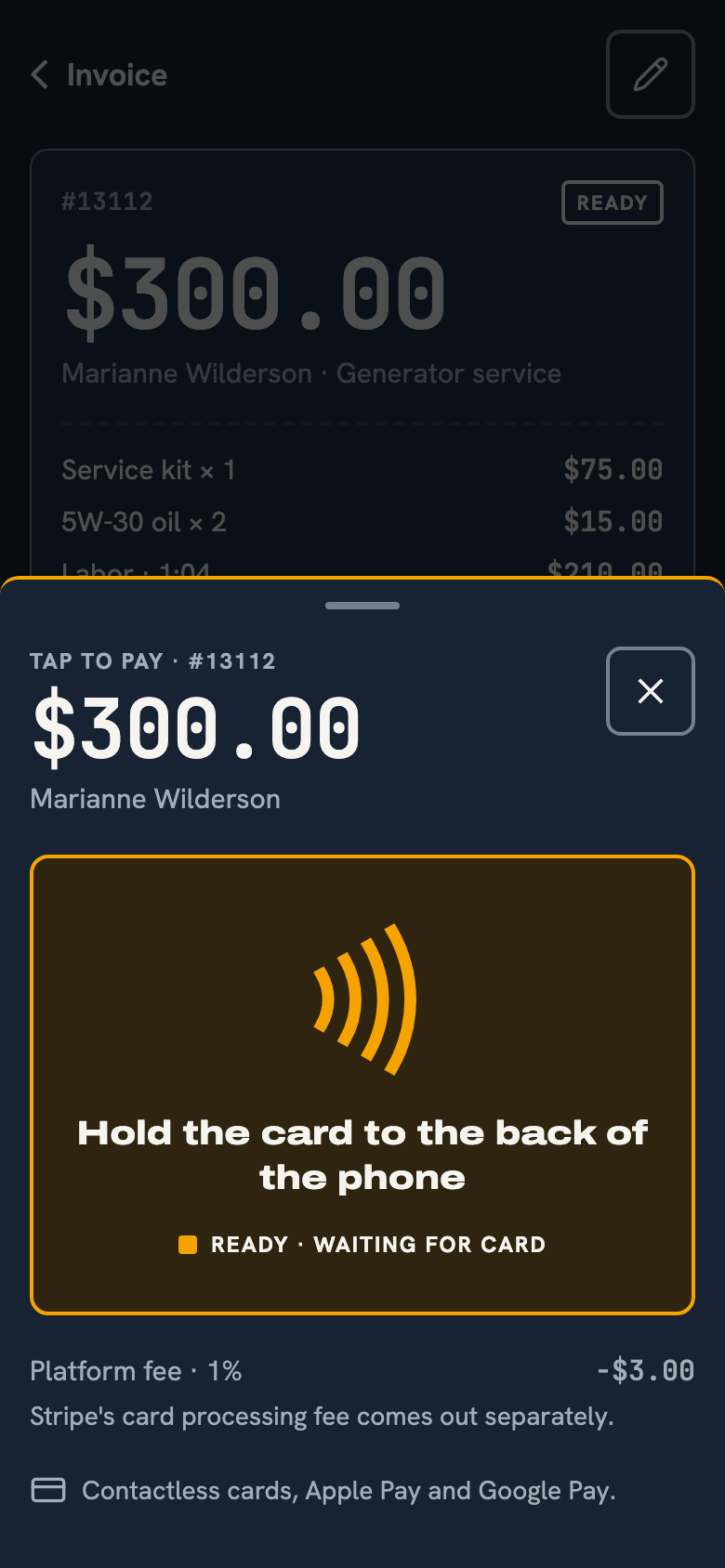
The invoice is built while you work. When you're done, the customer taps their card or phone on the back of yours. If they're not home, send a payment link.
- No card reader to buy or charge
- The fee is on screen before you charge
- A receipt goes to the customer by text
BUILT FOR THE JOB SITE
One hand
The main button is always at the bottom, in reach of your thumb.
Gloves on
Every button is at least 48 points. Nothing small to hit.
Bright sun
High-contrast dark mode by default. A light mode for full sun.
iPhone and Android
The same app on both. Neither one waits for features.
STAY ON THE TOOLS.
Free for solo trades. No contract.